
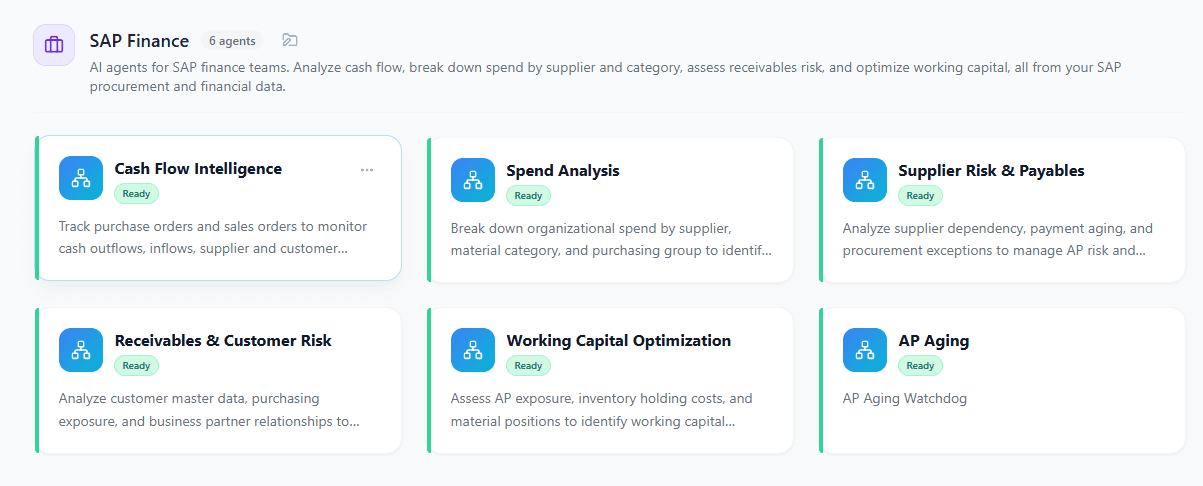
Deploy task-specific agents on top of your SAP S/4HANA or SAP ECC data to monitor cash flow and supplier risk, plan inventory and workforce, and automate routine finance, HR, and supply chain work without losing control.
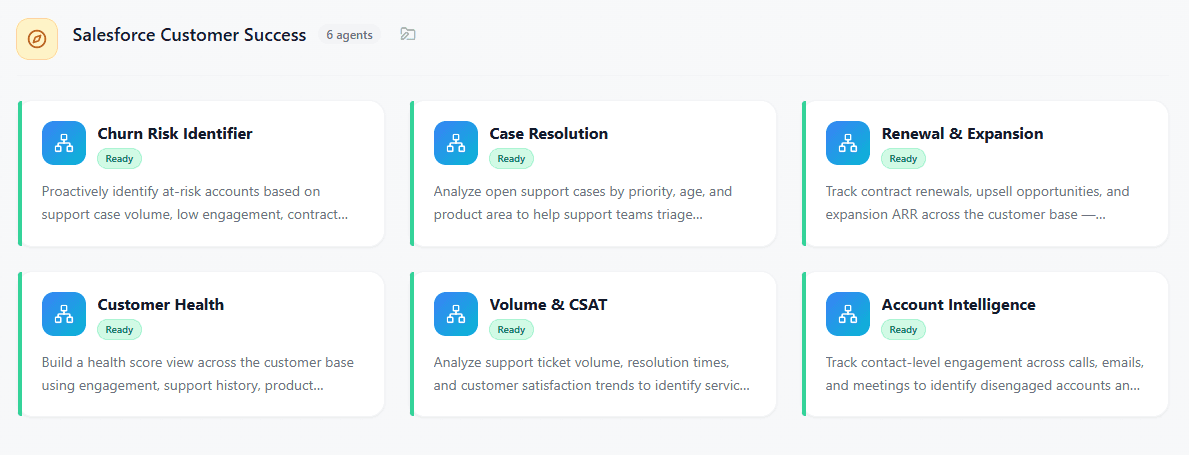
Deploy task-specific agents on top of your Salesforce Sales Cloud and Service Cloud data to surface at-risk pipeline, sharpen forecasts, and protect renewals — so reps, RevOps, and CS teams act on the right deal, account, and case first.
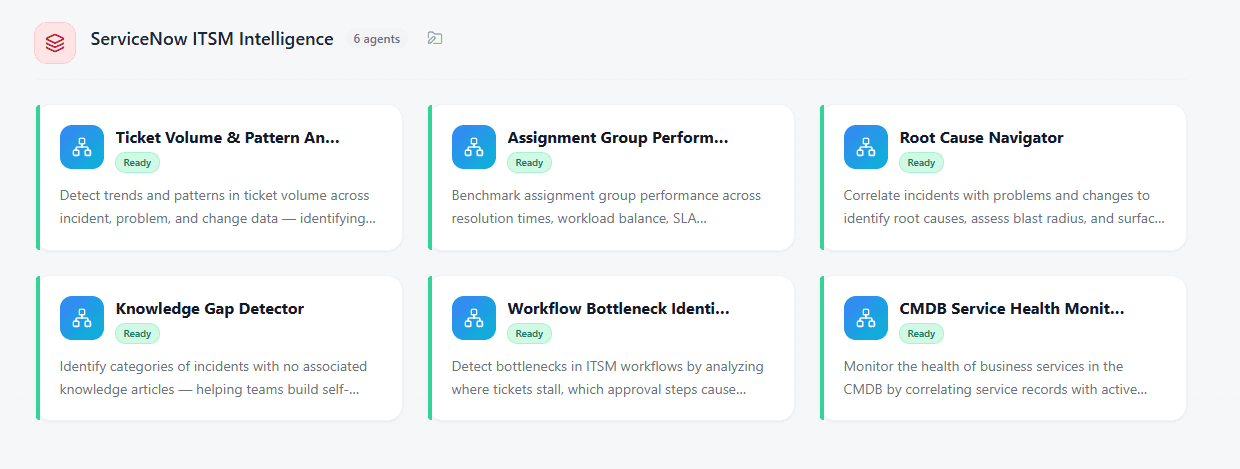
Deploy task-specific agents on top of your ServiceNow ITSM and CMDB data to triage incidents, prevent SLA breaches, and de-risk changes — turning ticket noise into routed work, root causes, and CAB-ready approvals without losing control.
Can an AI agent actually update records in my ERP, or is it read-only?
Most deployed agents are read-only. They summarize, retrieve and draft, which is why so many generate positive pilot feedback and no measurable P&L impact. A summary still leaves a human to do the work. Write-back is where the value sits and where the risk sits, which is why many vendors avoid it.
Agentnomics agents perform secure write-back actions, creating and updating records, posting documents and triggering workflows, across SAP, Salesforce, ServiceNow, Oracle, Shopify, Square, Amazon SP-API and Walmart. Every write runs under a scoped service identity with the permissions you grant, passes a configurable human approval gate before it commits, and lands in an audit log you can hand to an auditor.
Can one AI agent work across SAP, Salesforce and ServiceNow together?
Not if it's a vendor's native agent. Joule, Agentforce and Now Assist are each strongest inside their own boundary, which means a genuinely cross-system process — an order validated against CRM, posted in the ERP, with a service ticket raised when it fails — has to be split across three agents in three consoles under three governance models. Most real business processes do not respect those boundaries.
Agentnomics is vendor-neutral by design. A single agent can read from ServiceNow, act in SAP and update Salesforce in one workflow, under one set of policies and one audit trail — so the process is modeled the way it actually runs, not the way your license agreements divide it.